Cut your PC energy costs by up to 40% without changing how you work
Stop paying for idle computers
Acquaintia automatically puts your computers to sleep when no-one is using them. And wakes them before your team arrives.
Cut your PC energy costs by up to 40% without changing how you work
Acquaintia automatically puts your computers to sleep when no-one is using them. And wakes them before your team arrives.
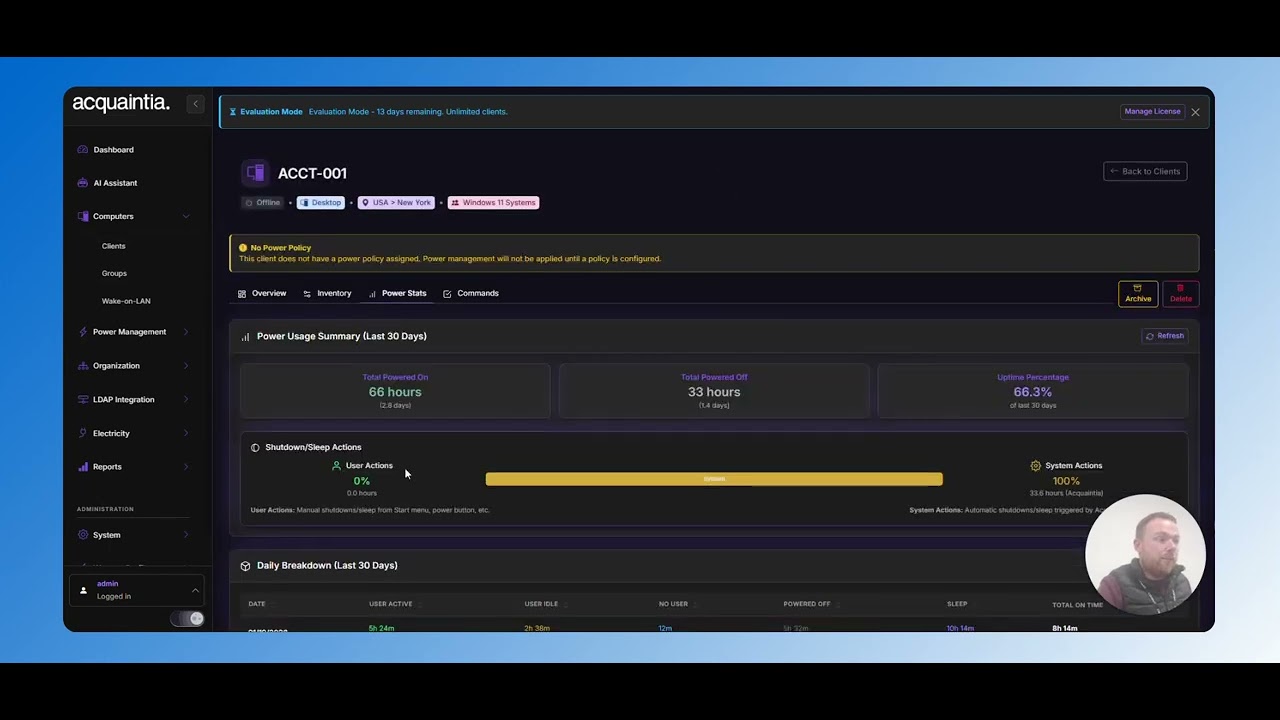
UK electricity prices have surged. Your energy budget is under pressure. But here’s the bigger problem.
Most of your PCs run 24/7. Even when they’re not being used.
A single desktop uses 100-150W when idle. Scale that across thousands of machines, across multiple sites, haemorrhaging budget on electricity powering nothing.
Fixing this manually means relying on staff to shut down machines every night. That doesn’t happen. And group policies usually create more helpdesk tickets than savings.
You need something that handles everything automatically. Without disrupting a single user.
Click For An Interactive Demo

Define working hours per location. Your PCs sleep outside those hours and wake before your team starts. No manual shutdowns. No helpdesk calls.

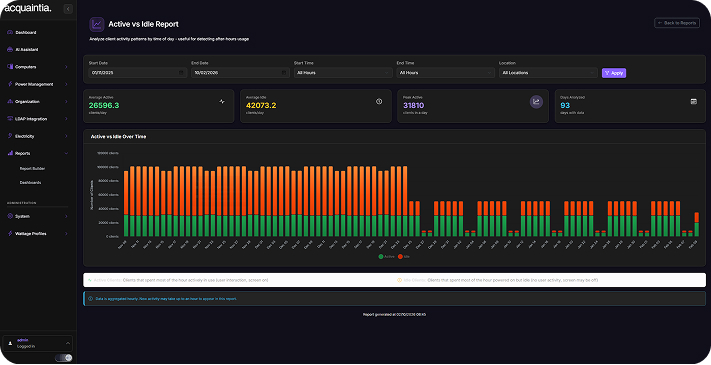
Head office, branch sites, and remote locations all run on different schedules. You manage every one of them from a single dashboard.

Your team walks into PCs that are already on and ready. No boot-up delays. No waiting. No complaints.

Track your savings against your actual electricity rates (including time-of-day pricing). See the numbers in pounds.

You control what sleeps and what stays on to protect critical systems like servers and always-on workstations.
Deploying Acquaintia is a quick and simple process so you can start to manage your PC power costs and usage in a matter of hours.
Install the lightweight Acquaintia agent on your computers. Deploy via Group Policy, SCCM, or install manually in just minutes per machine.
Create power policies that match your business needs. Set different rules for different departments, locations, or computer types.
Monitor your energy reduction in real-time. Generate reports showing cost savings, KWH reduction, and carbon footprint impact.
Acquaintia doesn’t work in a department silo. It creates enterprise-wide visibility or power usage, control and savings potential across teams for the best results. Whether you’re looking for cost savings, reduction in environmental impact or better productivity, we can help.
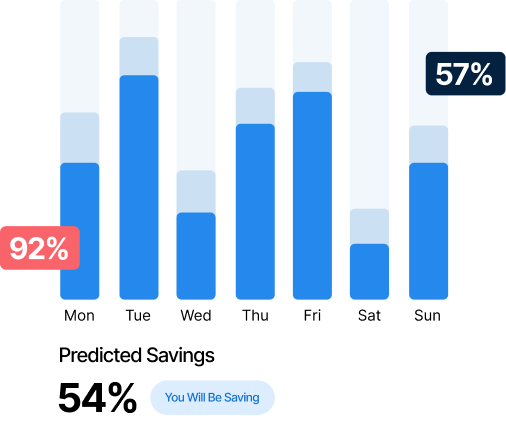
Enter your number of computers, electricity rate, and current usage patterns. Get your estimated annual savings in seconds.
See Acquaintia in action with a personalised demo for your organisation.