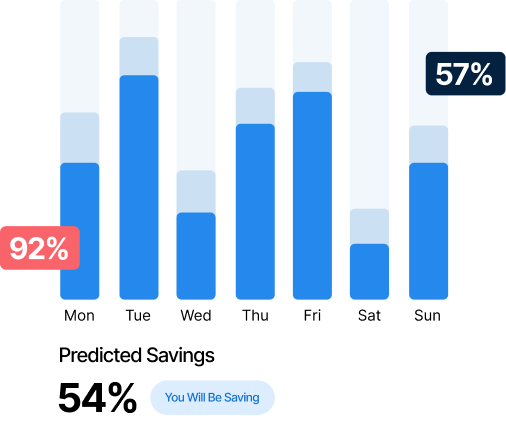
See exactly where your IT energy goes across every building, floor and department

Know where every Watt goes from your IT estate

Right now, your IT estate is an energy blind spot. Acquaintia shows you exactly how much energy your PCs consume in real-time, across every site. You manage what you can finally measure.
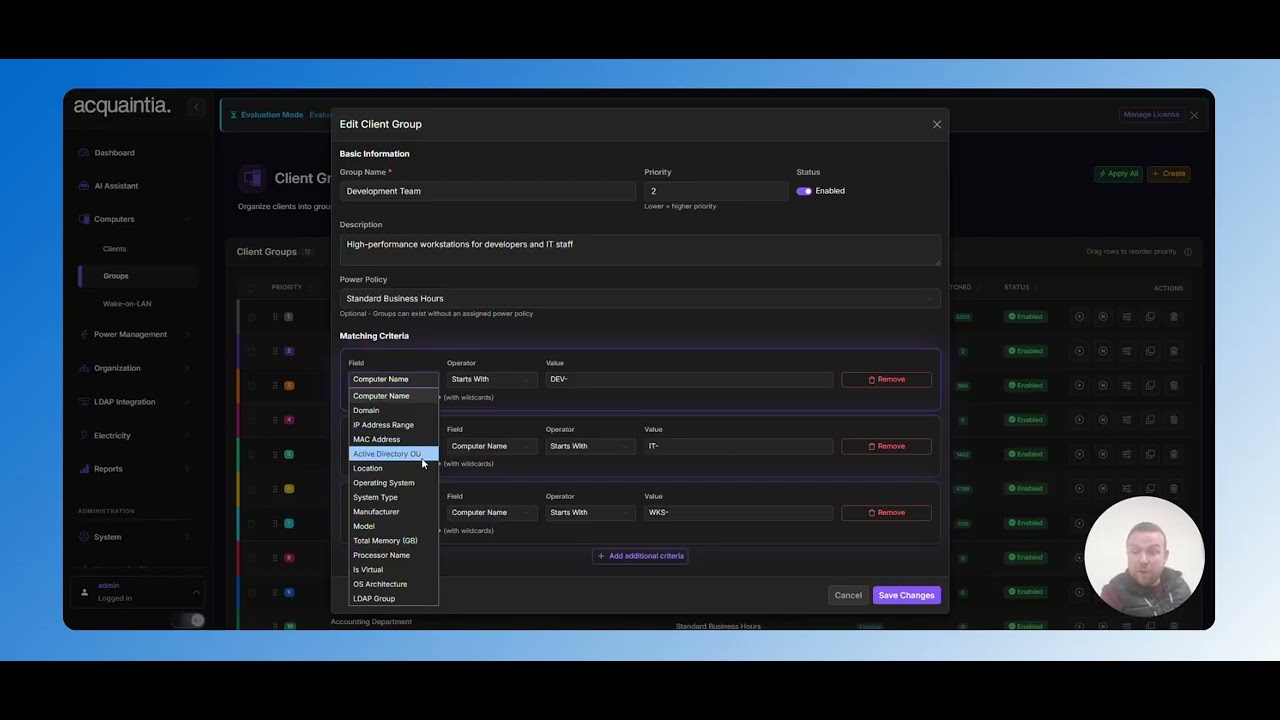
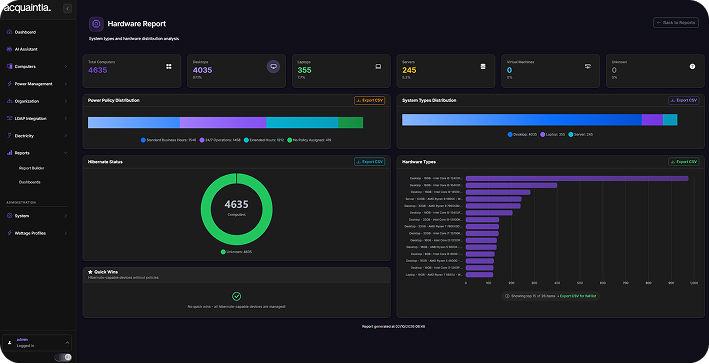
Video thumbnail

40% Average Energy Reduction

100,000+ Computers Managed

200+ Enterprise Features

Your IT estate is an energy black hole

How much energy does your IT estate consume? Not a rough guess. Exactly. Many facilities managers don’t know. Usually, because the data doesn’t exist.

Your energy audits use generic assumptions. Sustainability reports estimate IT consumption based on averages. And your IT team has no reason to track what management systems don’t show them.

So facilities and IT work in silos. And potential savings go untouched because no one sees them. You can’t reduce what you can’t see. Or report what you can’t measure. And you can’t justify efficiency investments without data to prove the need.

PRODUCT DEMO • PRODUCT DEMO • TRY NOW •

Click For An Interactive Demo

Built for your specific needs

Real-time power status

See which PCs are on, off, and sleeping, in real-time. Spot patterns and anomalies across your estate instantly. No guesswork. No waiting for out-of-date reports.

Location hierarchy

Drill down from your full estate to a single PC. Organised by site, building, floor and department. See consumption at the levels that matter.

Active directory integration

Your organisational structure imports directly from AD. Everything stays in sync automatically. No manual setup. No maintenance.

Historical trends & comparison

Track consumption over days, weeks, months and years. Compare buildings, departments, or time periods side-by-side. Identify your best and worst performers at a glance.

Funding available

Cover the costs of deploying Acquaintia under Salix funding schemes. Talk to us about eligibility and how apply.

Get full visibility in three easy steps

Step 1

Deploy The Agent

Install the lightweight Acquaintia agent on your computers. Deploy via Group Policy, SCCM, or install manually in just minutes per machine.

Step 2

Configure Policies

Create power policies that match your business needs. Set different rules for different departments, locations, or computer types.

Step 3

Track Your Savings

Monitor your energy reduction in real-time. Generate reports showing cost savings, KWH reduction, and carbon footprint impact.

Visibility that improves how you work

Data-driven decisions

Stop estimating. Start targeting. With real consumption data at the building and department level, you prioritise energy reduction where it makes the biggest difference. Every decision backed by numbers. Not assumptions.

One view for IT and facilities

Your IT team sees device status. Your facilities team sees energy consumption. Acquainted puts both in the same dashboard so you stop working in silos and start making joint decisions.

Audit-ready sustainability data

Your SECR filings and sustainability reports get real IT energy data, not estimates based on generic assumptions. You report with confidence. Even if your estate spans dozens of sites.

See how much energy your IT estate uses

Enter the number of PCs across your estate. See your estimated energy consumption and the cost savings you’re missing without visibility.

  • Annual Energy Savings (KWH)
  • Annual cost reduction (£)
  • Carbon footprint reduction (kg CO2)
  • Payback period

Get ready to see your full IT energy picture

See your estate’s energy data in a live, personalised demo, tailored to your organisation’s structure.