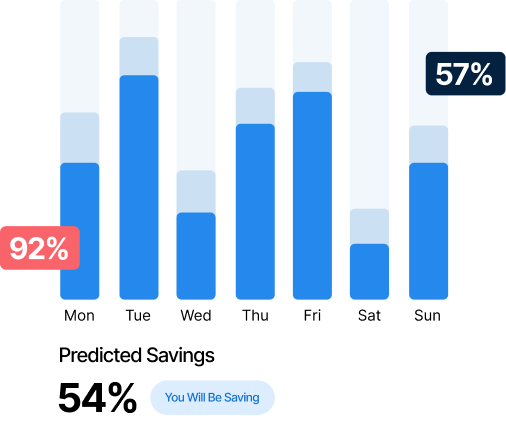
Cut your IT energy costs and hit your GGC targets. Automatically.

Power management for central government

Your department’s 2027 Net Zero operations target is creeping closer. But your IT estate is using energy around the clock on PCs no-one is using. Acquaintia gives you automated PC power management that cuts waste, proves progress and keeps you audit-ready.
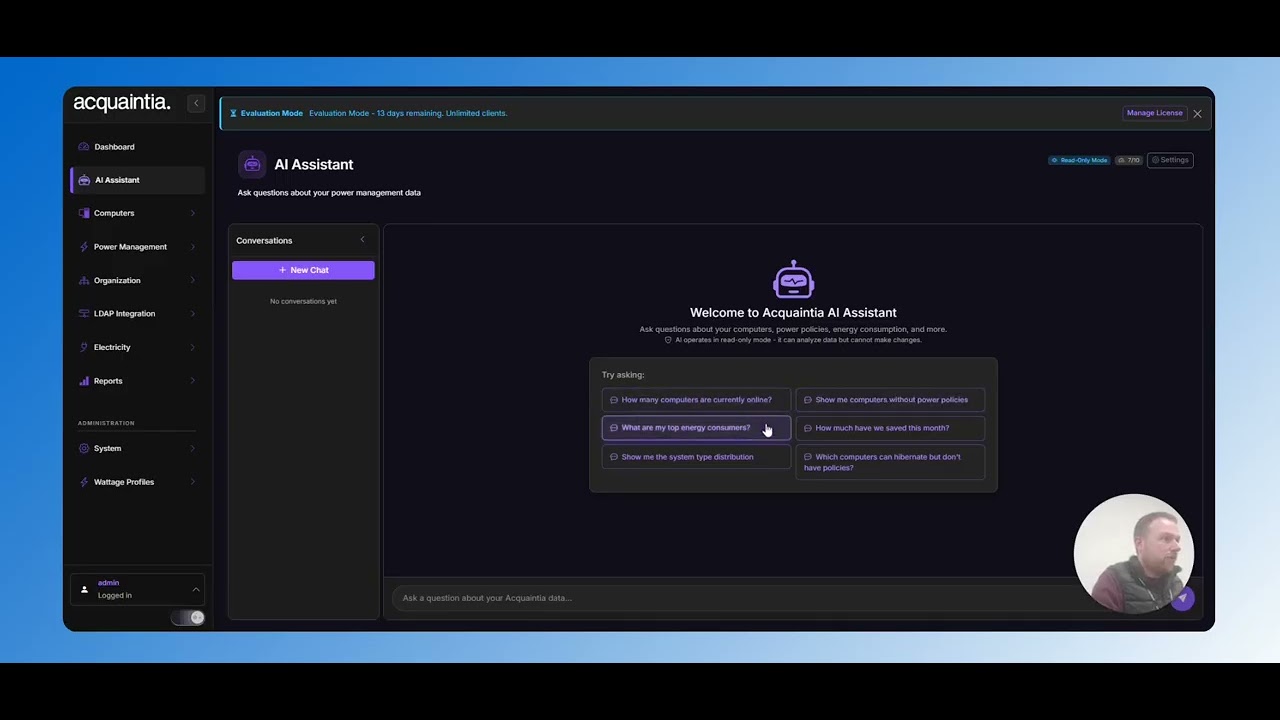
Video thumbnail

40% Average Energy Reduction

100,000+ Computers Managed

200+ Enterprise Features

Get the data you need to show.

Government departments know they need to cut IT energy waste. Getting the data to prove it is the problem.

You’re managing hundreds of PCs across multiple sites. Some are running idle overnight. Some are in buildings nobody uses on certain days. You’re relying on data on spreadsheets and disconnected systems.

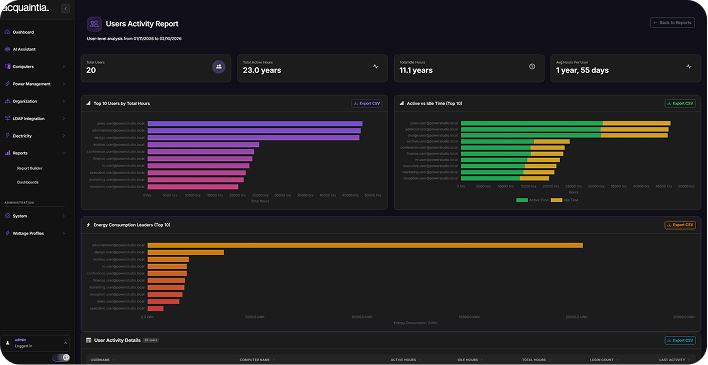
Acquaintia changes that. Get a single dashboard that manages power schedules across your entire estate. Every PC. Every site. Every policy enforced and logged for future audits.

PRODUCT DEMO • PRODUCT DEMO • TRY NOW •

Click For An Interactive Demo

Built for your security and compliance requirements

Security accredited

Your data stays protected with government-grade security and full audit trail included.

GGC reporting built in

Generate your Greening Government Commitment reports in a few clicks. Track your progress against targets instantly.

Multi-site control

Manage regional offices, headquarters and satellite locations from one console. No site visits needed.

Hybrid-ready by default

Adapt to Government Hubs and hybrid policies automatically. Your schedules flex by location and working pattern.

SECR Compliance

Generate data for Streamlined Energy and Carbon Reporting. Audit-ready documentation.

Reduce your energy costs in three easy steps

Step 1

Deploy The Agent

Install the lightweight Acquaintia agent on your computers. Deploy via Group Policy, SCCM, or install manually in just minutes per machine.

Step 2

Configure Policies

Create power policies that match your business needs. Set different rules for different departments, locations, or computer types.

Step 3

Track Your Savings

Monitor your energy reduction in real-time. Generate reports showing cost savings, KWH reduction, and carbon footprint impact.

How Acquaintia helps you

GGC compliance

  • Generate GGC-aligned reports automatically
  • Track progress against your department’s sustainability targets
  • Produce SECR-ready data for streamlined energy and carbon reporting
  • Keep audit-ready documentation without manual data gathering

Estate management

  • Control power schedules across every site from one dashboard
  • Identify which buildings and floors waste the most energy
  • Enforce policies by region, department or individual site
  • Eliminate overnight energy waste from PCs left running

Hybrid working

  • Adapt power policies to match Government Hubs and flexible working patterns
  • Reduce energy draw on low-occupancy days automatically
  • Set location-specific schedules that flex with your team’s working week
  • Stop paying to power empty offices

See how much you could save

Your IT estate is using more energy than it needs to.

Use our savings calculator to see your potential energy consumption reduction, carbon output and annual running costs.

  • Annual Energy Savings (KWH)
  • Annual cost reduction (£)
  • Carbon footprint reduction (kg CO2)
  • Payback period

Meet Your Greening Government Commitments

Request a demo to see how Acquaintia supports government sustainability requirements.